Part 1: Download & Install Downloader on FireStick Via Amazon App Store
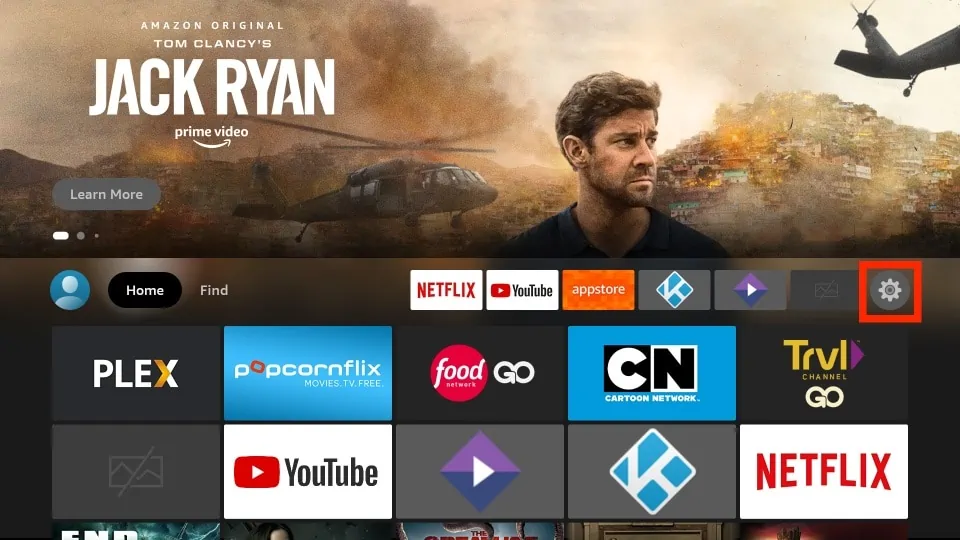
1. On the FireStick home screen, click on the settings gear on the far right.
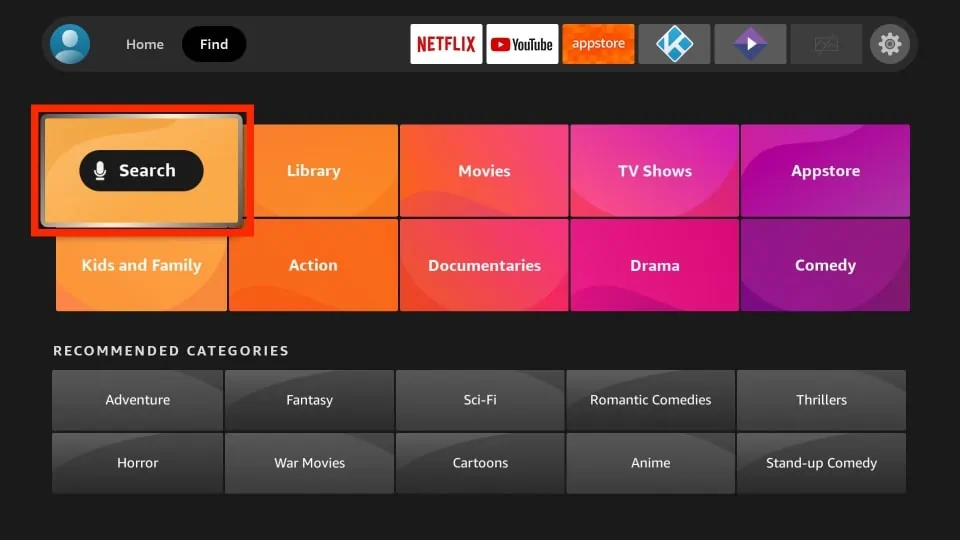
2. Then, click on the orange Search tile.
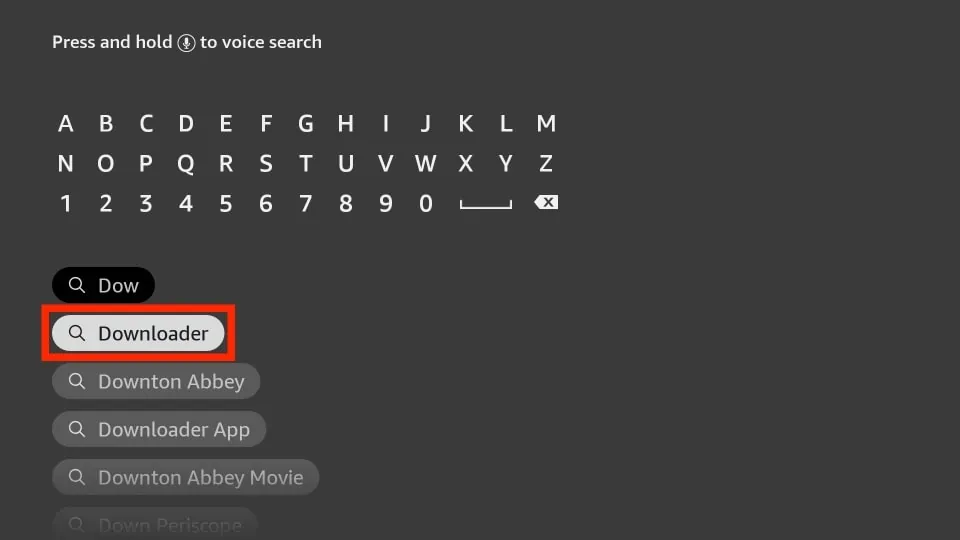
3. Start typing Downloader in the input box and select it among the suggested search terms.
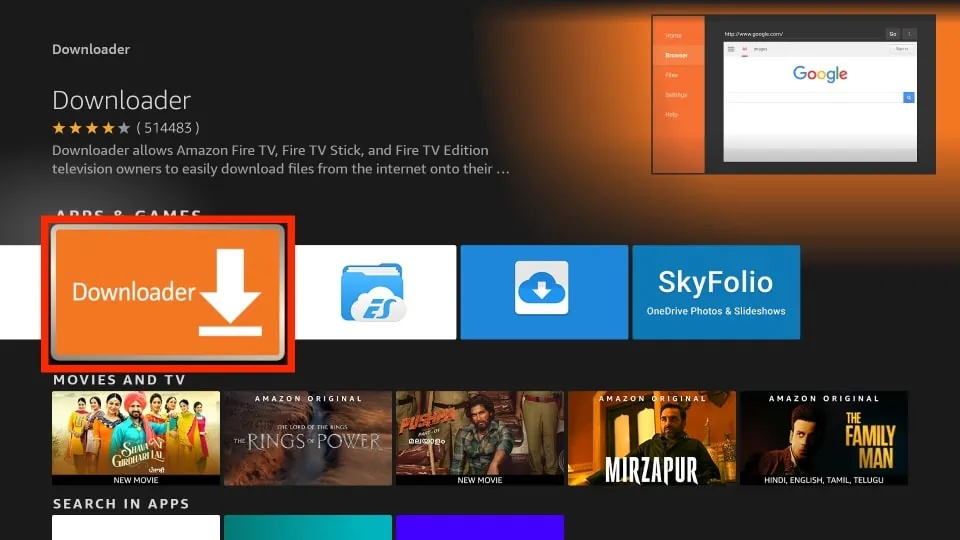
4. Click the orange Downloader tile in the search results.
5. On the Downloader dashboard, click on the Download or Get button.
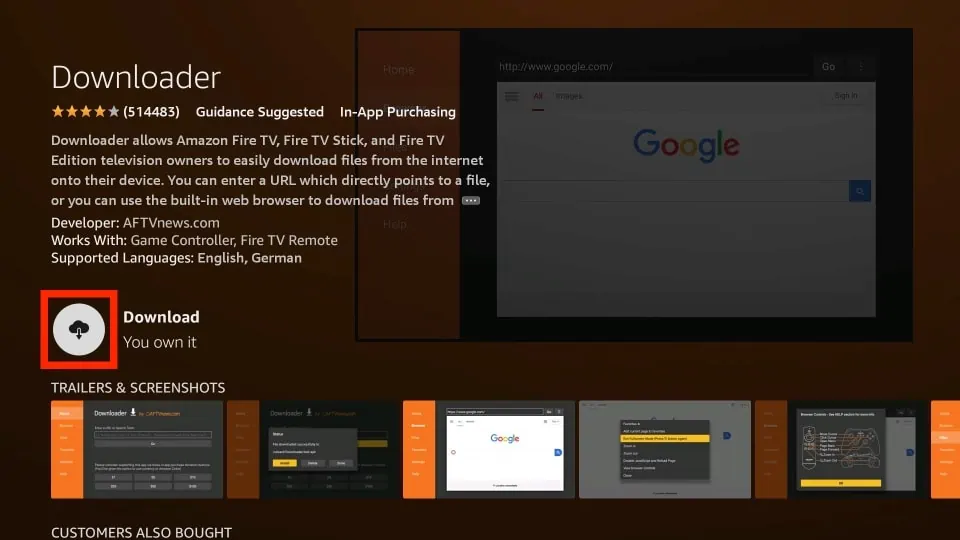
6. Wait for the installation notification on the bottom right of your screen.
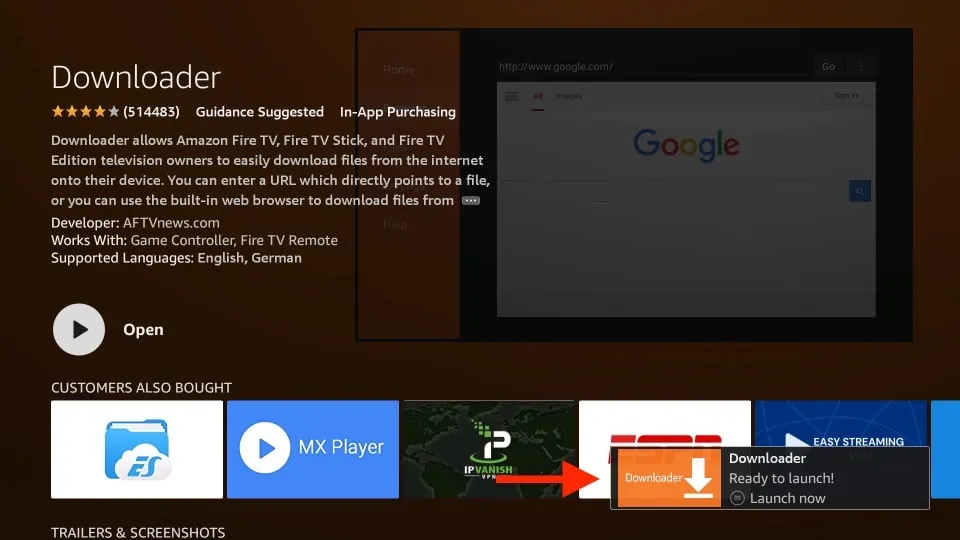
You are done installing the Downloader app on your FireStick.
Part 3: Sideload Apps Using Downloader
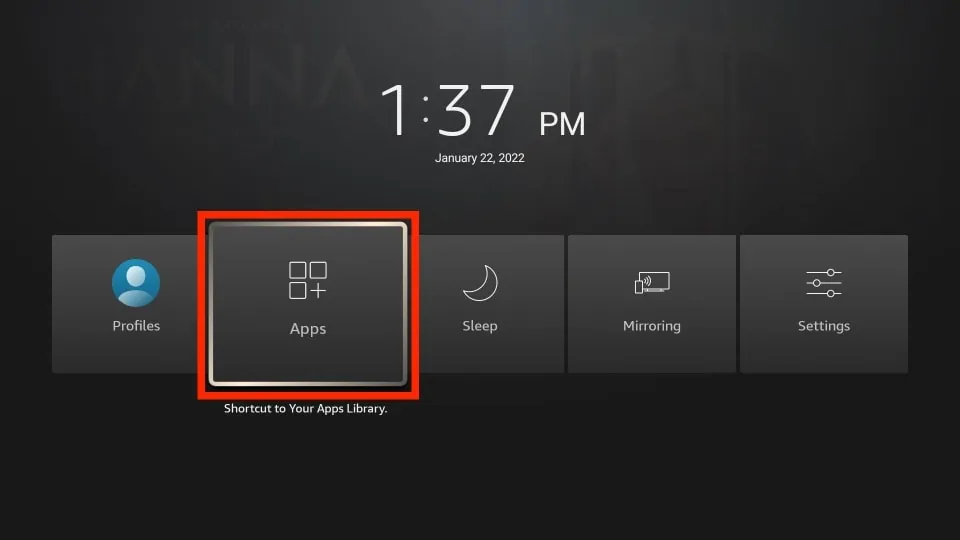
1. Press and hold the home button on your FireStick remote until the menu pictured below appears. Then, click Apps.
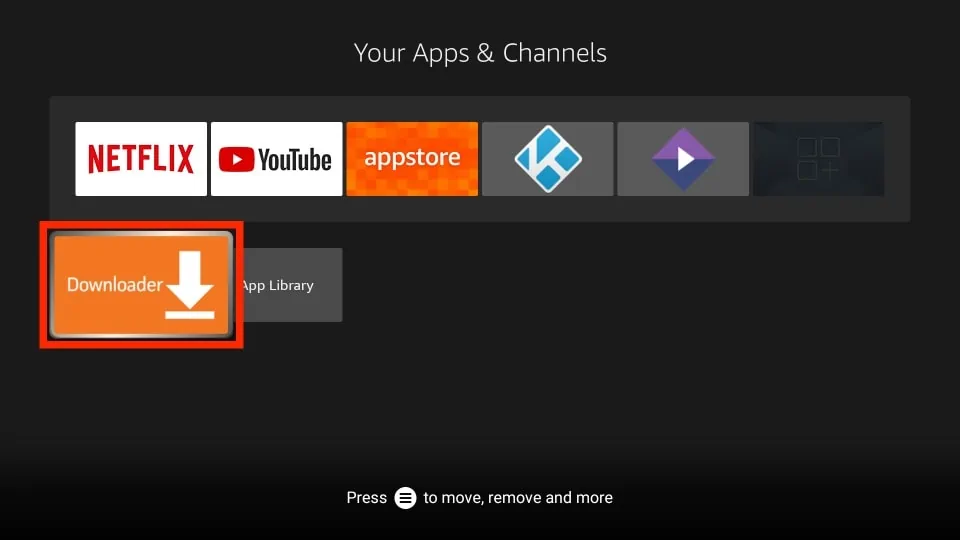
2. Next, open the Downloader app.
3. Upon the first launch, it will ask you to allow it to access your files and folders. Click Allow to continue.
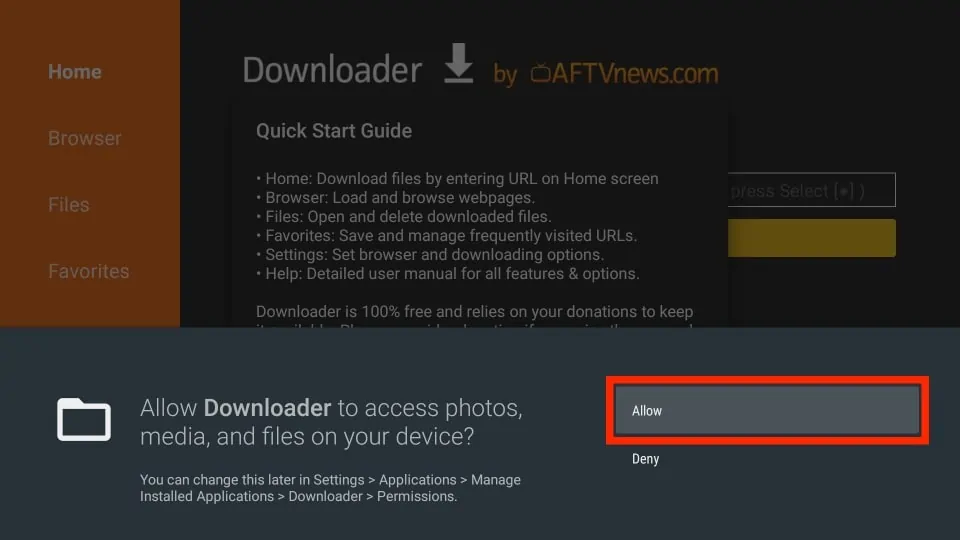
4. Another popup will appear. Read the instructions and click the yellow OK button.
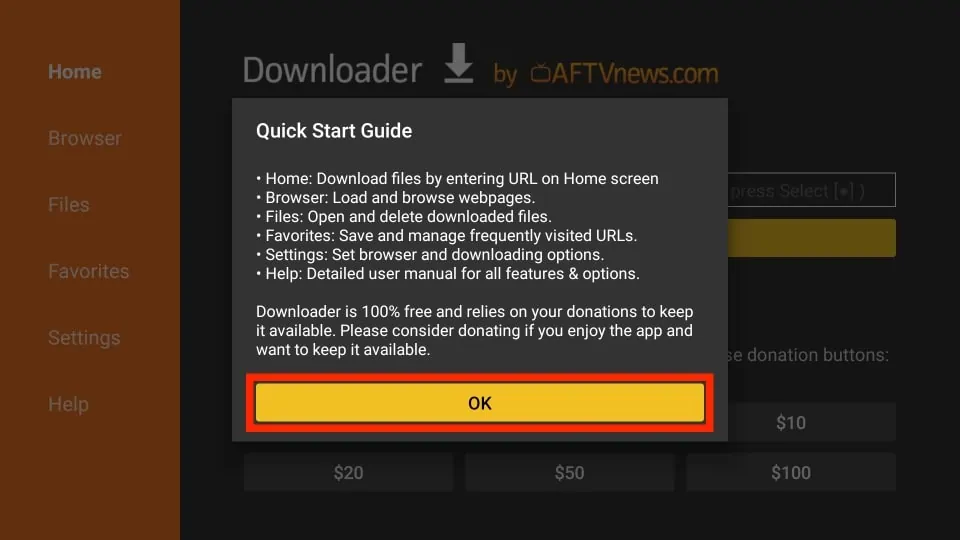
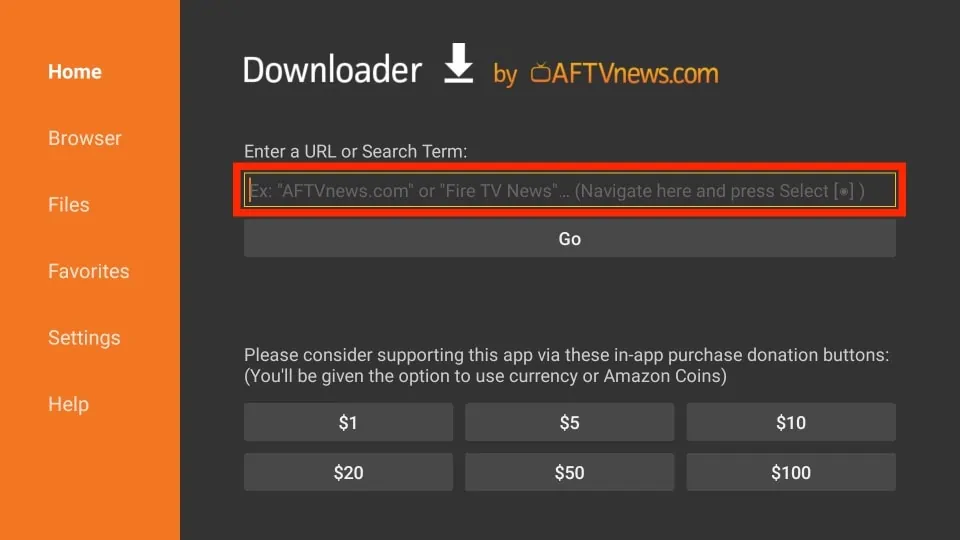
5. Next, click the URL input box on the home screen of the Downloader app.
6. Enter the URL of the APK file shamsarabictv.com/daz.apk and click on the Go button.
7. Wait for the APK file to download.
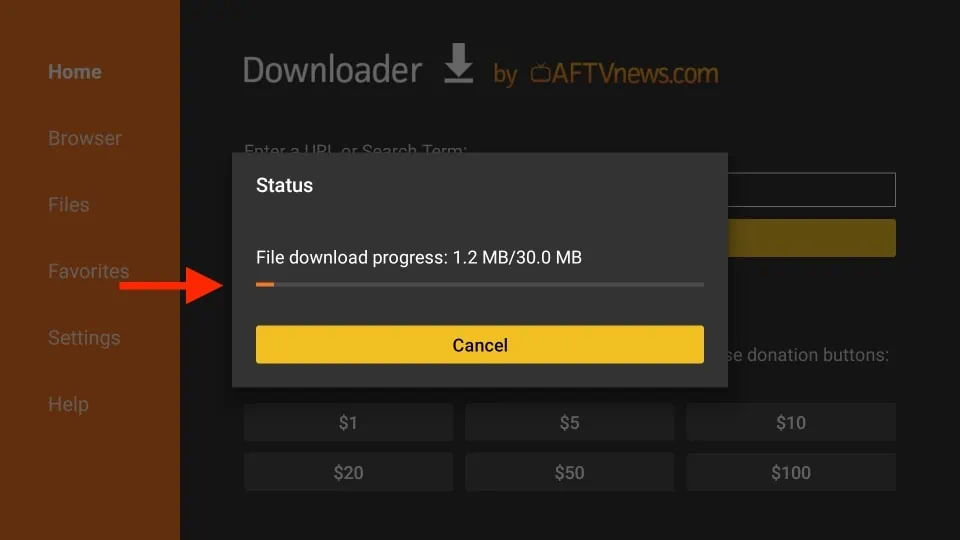
8. Once it’s done, the app will automatically prepare the APK file for you to install it. Click on the INSTALL button to continue.